

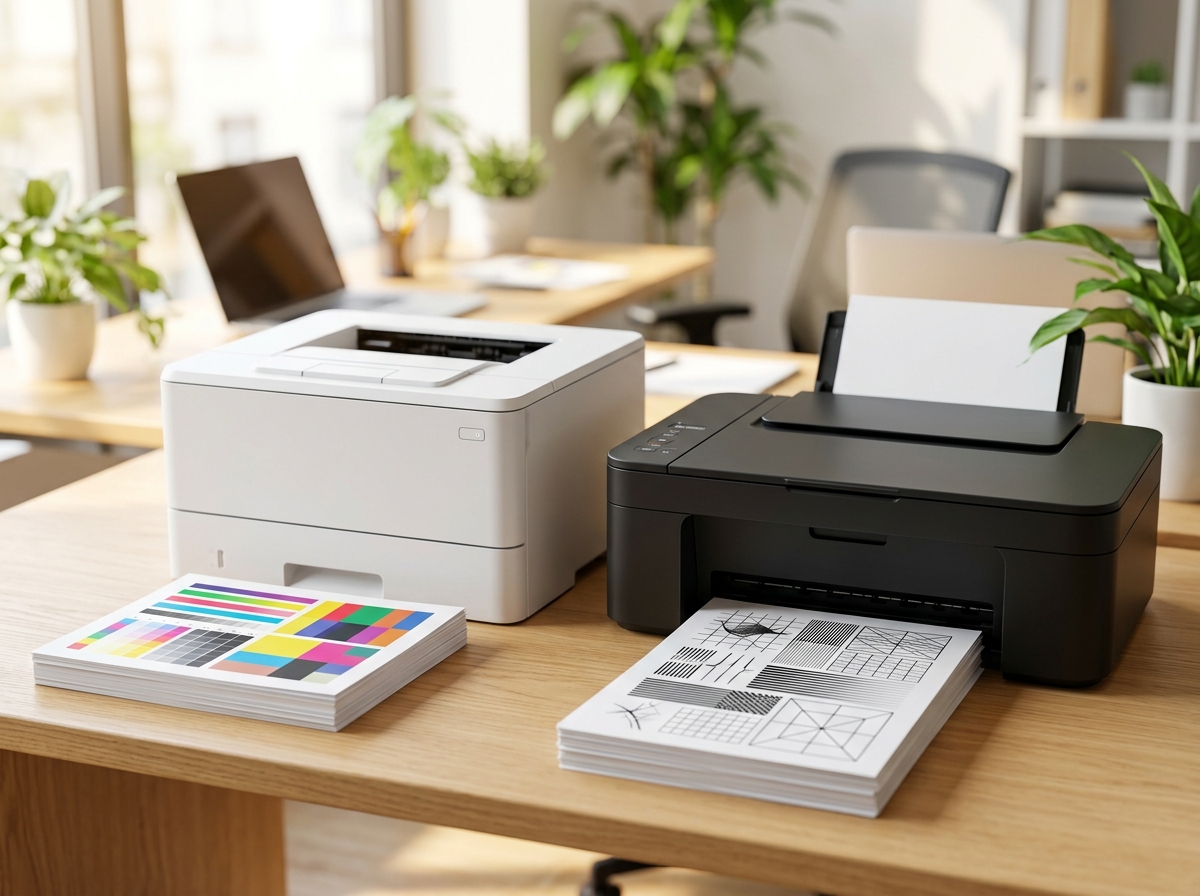
Most small business owners shop for printers by sticker price. Then the real bill arrives, one ink cartridge at a time. A $90 inkjet can easily cost more to feed over two years than a $300 laser costs to buy and run, yet the cheap one looks like the smart choice at checkout.
So which printer pays off faster, laser or inkjet? The answer depends on how much you print, what you print, and how long the machine sits idle between jobs. This guide compares both technologies on cost per page, speed, quality, reliability, and upkeep, so you can match the printer to your business instead of your impulse. You’ll also meet a third contender, the refillable ink tank printer, which often beats both on running costs.
The Short Answer
For text-heavy, high-volume jobs like invoices, contracts, and reports, a laser printer usually pays off faster. Inkjets, on the other hand, deliver richer color for small batches of marketing pieces and photos at a lower upfront cost. When high-volume printing meets the need for vibrant color, an ink tank model deserves a close look. The rest of this guide explains why.
How Each Technology Works
A laser printer uses a laser, a drum, and dry toner powder. The laser draws your page onto the drum, toner clings to the charged areas, and heat fuses it into the paper. An inkjet printer sprays microscopic droplets of liquid ink through nozzles in a printhead directly onto the page.
That difference drives nearly everything else. Toner is dry, stable, and slow to degrade, so a laser printer shrugs off long idle periods. Liquid ink can dry in the nozzles, which is why inkjets sometimes run cleaning cycles that burn through ink.
Cost Per Page: Where the Money Goes
Cost per page measures how much you spend on ink or toner for each printed sheet. Over any meaningful period, it matters more than the purchase price. Figures vary by model and cartridge size, but black-and-white laser pages commonly cost a few cents each, while pages from standard inkjet cartridges often cost noticeably more, especially in color. Ink tank printers frequently land below both because the bottles hold a large amount of ink at a low price.
Cartridge yield is the number to check. Manufacturers state yields in pages under standardized testing, and real-world results usually run lower. Cartridge lifespan articles at https://mechoffice.com/ show how much yield claims differ from everyday use.
The table below uses illustrative numbers, not quotes, to show how the math works. Plug in your own prices and volume.
| Three-year cost at 500 pages per month (18,000 pages, mostly black and white) | Budget inkjet | Mono laser | Ink tank |
| Printer price | $120 | $250 | $250 |
| Assumed cost per page | 10 cents | 3 cents | 1.5 cents |
| Supplies over three years | $1,800 | $540 | $270 |
| Total | $1,920 | $790 | $520 |
At low volume, the picture flips. If you print 30 pages a month, the budget inkjet’s lower purchase price wins: roughly $228 over three years, compared with about $282 for the laser under the same assumptions.
Speed and Duty Cycle
Laser printers generally print faster, especially multi-page documents, and they hold up under heavy loads. Check the duty cycle, the maximum number of pages the manufacturer recommends per month, and choose a printer whose recommended range comfortably exceeds your actual volume. A simple rule: if you regularly print a few hundred pages a month or more, favor a laser or ink tank model. If you print a few dozen pages occasionally, an inkjet is plenty.
Print Quality: Text vs. Color
Laser printers produce sharp, smudge-resistant text on plain paper. That makes them ideal for legal documents, invoices, and anything people will highlight or handle. Inkjets excel at color gradients and photos, particularly on glossy or specialty paper. Keep in mind that dye-based inkjet ink can smear when wet, while pigment-based ink resists moisture, so check which type a model uses if you print documents. Color lasers have improved but cost more to run, and their photo accuracy still trails a good inkjet.
Reliability and Maintenance
Inkjet printers need regular use. When they sit idle for weeks, nozzles clog and cleaning cycles waste ink. Laser printers tolerate idle time better, but they contain more moving parts, and drum or fuser replacements can add cost on heavy-use models. Whichever you choose, buy a model with a solid track record and readily available supplies. Discontinued cartridges strand perfectly good printers.
The Ink Tank Middle Path
Refillable ink tank printers swap small cartridges for large reservoirs that you fill from bottles. They cost more up front than a basic inkjet, but cost per page falls dramatically, and they handle color without the penalty of a color laser. They suit businesses that print hundreds of pages monthly and need occasional color, such as real estate offices, schools, and small agencies. The tradeoffs include bulkier bodies, slower speeds on some models, and the same idle-clog risk as other inkjets.
Features That Matter for Business Use
- Automatic duplex printing saves paper and trims supply costs.
- An automatic document feeder speeds up scanning and copying, which matters if you digitize paperwork.
- Wireless and Ethernet connectivity let several people share one machine reliably.
- Security features, such as PIN-protected printing, keep confidential pages from sitting in an output tray.
- Supply policies deserve a close read. Subscription ink programs can lower costs for some users, and some printers use firmware that rejects third-party cartridges. Check the terms before you commit.
Which Printer Fits Your Business
| Business type | Typical need | Best fit |
| Law, accounting, or medical office | Steady, text-heavy, confidential | Mono or color laser multifunction |
| Freelancer or consultant | Low volume, occasional color | Compact inkjet or ink tank |
| Online seller or retailer | Shipping labels and receipts | Laser for paperwork, plus a thermal label printer |
| Design studio or agency | Color proofs and brochures | Ink tank or high-quality inkjet |
| School or nonprofit | Mixed, high volume | Ink tank or color laser |
Mistakes to Avoid
- Judging by sticker price. Run the three-year math before you buy.
- Ignoring starter cartridges. Many printers ship with partly filled cartridges, so your first replacement arrives sooner than you expect.
- A heavy-duty machine for 50 pages a month ties up capital you could use elsewhere.
- Forgetting paper and storage. Paper, spare toner, and shelf space belong in your budget.
- Skipping security. Networked printers store jobs and connect to your office network, so update firmware and set passwords.
Frequently Asked Questions
Is a laser or inkjet printer cheaper for a small business? At moderate to high volume, laser usually costs less per page, so it pays off faster. At very low volume, a basic inkjet’s lower purchase price can win.
How many pages per month justify a laser printer? No official line exists, but many businesses start leaning toward laser once they print a few hundred pages a month. Compare cost per page against your actual volume.
Do ink tank printers really save money? Often yes, because refill bottles cost far less per page than cartridges. The higher purchase price means you recover your investment faster at higher volume.
Can I use third-party cartridges? Often yes, and they can lower costs, but quality and warranty terms vary, and some printers reject non-original supplies. Read the manufacturer’s policy first.
Should I buy a color laser? Only if you need color regularly for office document quality. For occasional color, an inkjet or ink tank prints it for less.
Conclusion
The printer that pays off fastest is the one that matches your volume and your documents. Laser wins for steady, text-heavy work. Inkjet wins for low-volume color. Ink tank wins when you print a lot and still want color. Do the cost-per-page math with your own numbers, and the right answer usually jumps off the page.
Ready to choose? Estimate your monthly page count this week, then compare models and supply costs using the printer guides at //mechoffice.com/. To keep a close eye on overhead as you buy, read the small business cost-cutting resources at //unixtrades.com/ for more ideas. If you invest the money you save, //studyofstocks.com/ offers stock market learning resources worth a look.

Leave a Reply